

Essential Systems / Installation
Installation
Enjoying Essential Systems?Leave a reviewStart here - recommended first read
This guide covers installation.
Install via Package Manager
- Open Window → Package Manager.
- Find the Essential Systems package.
- Import it.
Import a system
- Open Tools → ES → Welcome Screen.
- Navigate to the Systems tab.
- Find a system you like and import it using the buttons.
Step-by-step guide
Step 1 of 3
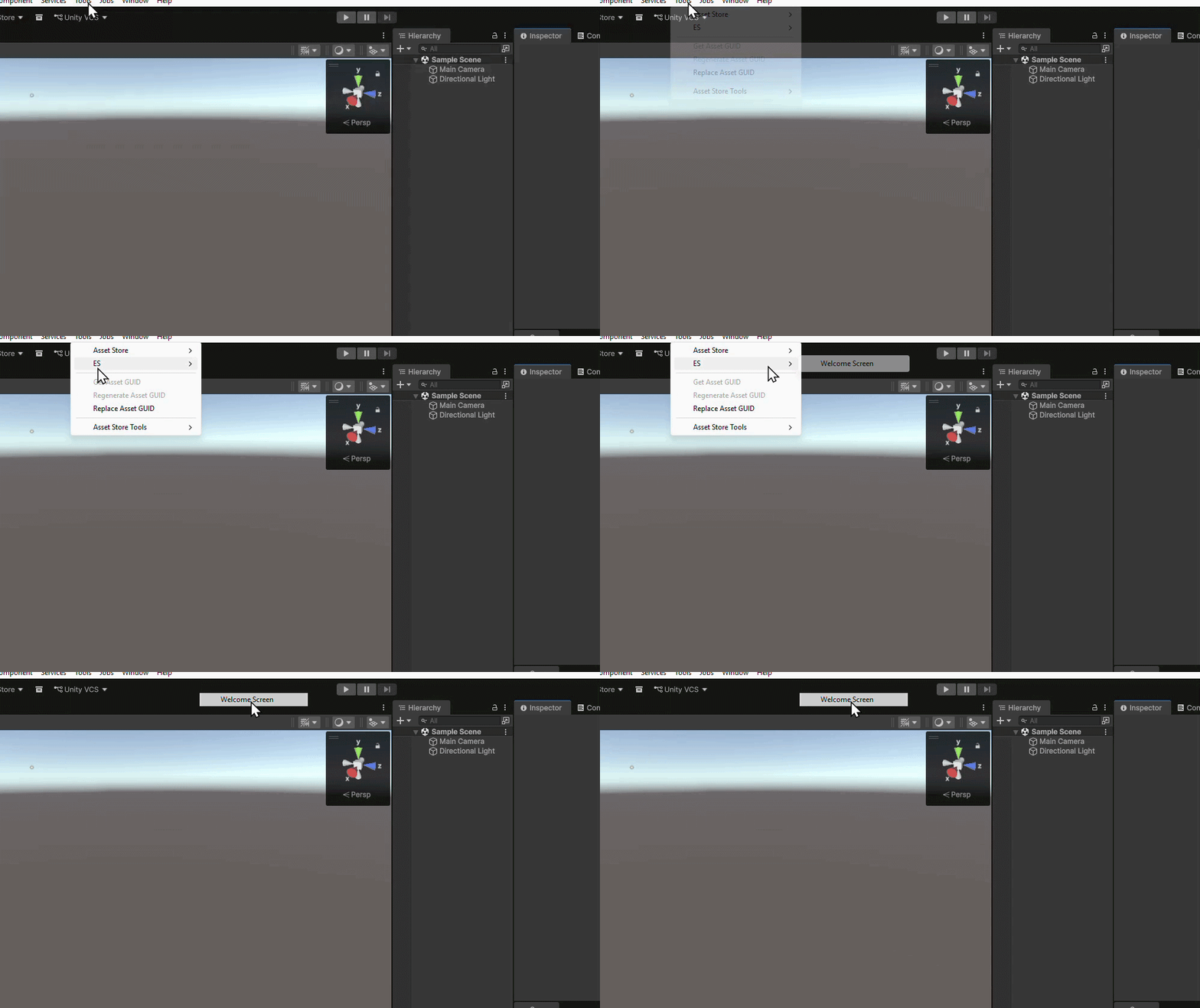
Open the Welcome Screen
Open Tools → ES → Welcome Screen.
Last updated