

Status Effects Pack / Creating an effect
Creating an effect
Awaiting Asset Store ReviewThis package is not published yet.
Enjoying Status Effects Pack?Leave a reviewLearn how to create effects using the custom editor.
Create your first effect
- Create a new GameObject.
- Add Components → SFXP → StatusFX.
- You will then be prompted to select a place to store your materials. Select a folder that is inside your project (cannot be the root Assets folder).
- Click Edit FX.
- Navigate through the tabs and find one you want to add to.
- Scroll down to Particles & add one. Here you can choose between a preset or an empty one.
Step-by-step guide
Step 1 of 6
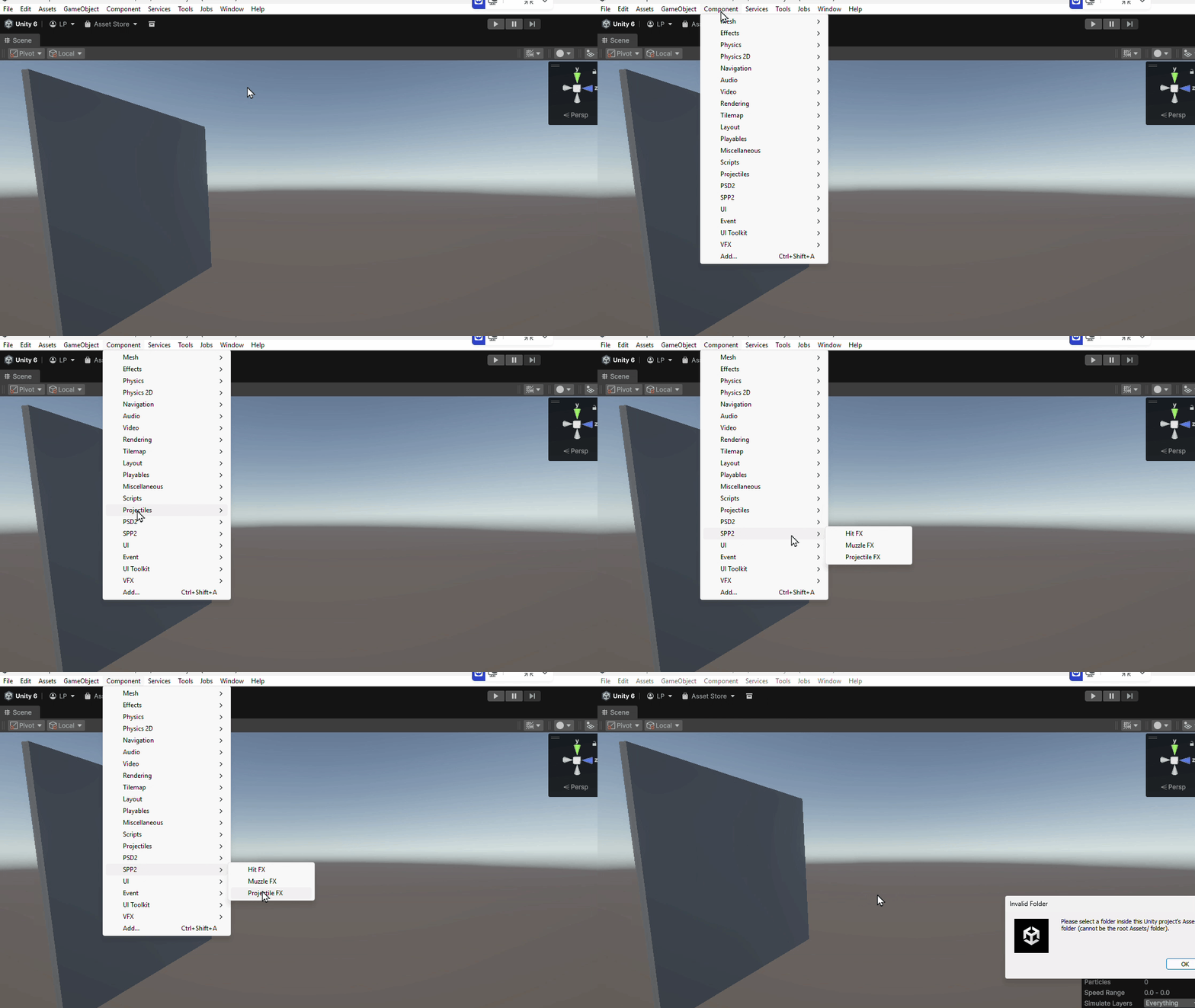
Add StatusFX component
Add Component → SFXP → StatusFX to any GameObject.
Last updated