

Stylized Clouds Pack / Installation
Installation
Enjoying Stylized Clouds Pack?Leave a reviewStart here - recommended first read
This guide covers installation.
Install via Package Manager
- Open Window → Package Manager.
- Find the Stylized Clouds Pack package.
- Import it.
Upgrade to your Render Pipeline
- Open Tools → SCP → Welcome Screen.
- In the Setup tab, click the Upgrade button for your Render Pipeline & import it.
Setup Universal Render Pipeline (URP) settings
- Go to Project Settings → Graphics & find the assigned Universal Render Pipeline Asset.
- Make sure Depth Texture is
**ON**.
Step-by-step guide
Step 1 of 4
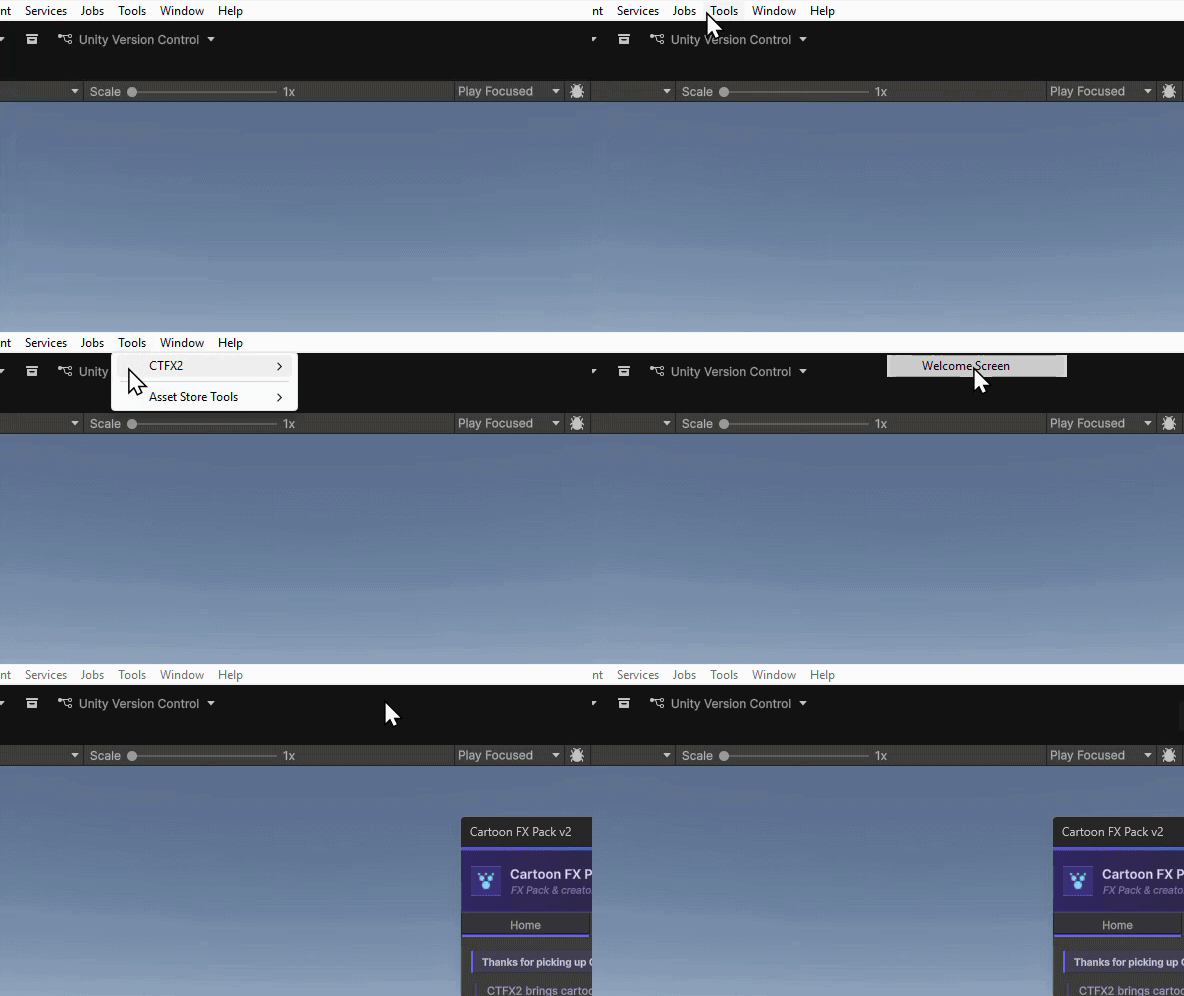
Open the Welcome Screen
Open Tools → SCP → Welcome Screen.
Last updated